- Published on
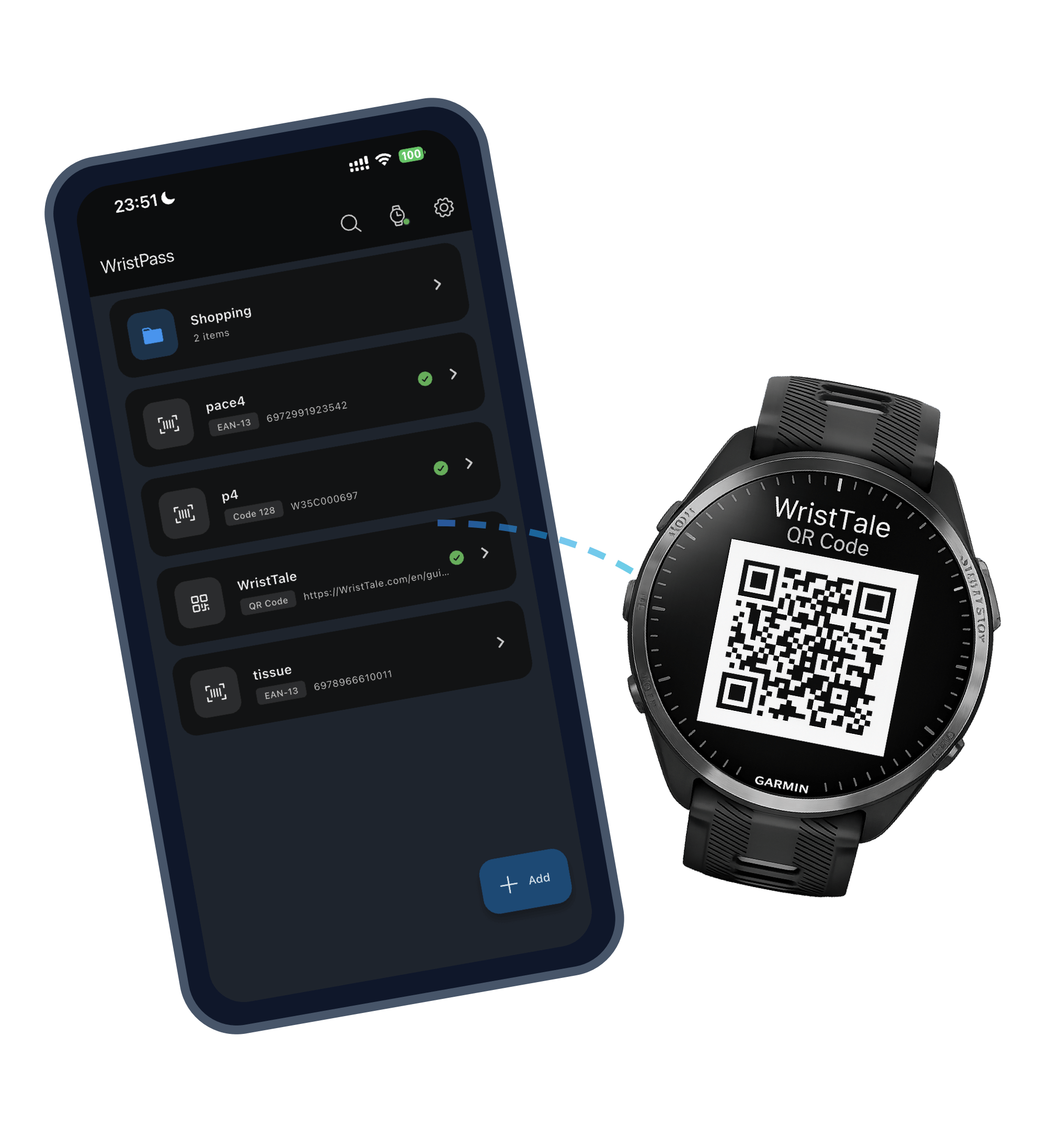
WristPass is now available. Scan, organize, and sync all your barcodes to your Garmin watch.
Smart Barcode Wallet for Garmin. Store, organize, and sync barcodes and QR codes to your watch in seconds.
Everything you need to know about WristPass
WristPass is built on the Connect IQ Companion SDK, which requires Garmin Connect Mobile to discover your watch and establish communication between your phone and watch. This is Garmin's official framework for third-party apps to sync data with watches.
WristPass supports a wide range of formats including QR Codes, Data Matrix, PDF417, Aztec, Code 128, Code 39, EAN-13, EAN-8, UPC-A, Codabar, and ITF.
Yes. WristPass processes all data locally on your device. We don't collect your personal data or barcode information. Your digital cards stay on your phone and your watch.
WristPass uses a custom Bluetooth protocol to transfer barcode data. Simply open the app on both your phone and watch, select the codes you want to sync, and tap 'Sync'.
Common causes: 1) Ensure your watch is connected to Garmin Connect Mobile. 2) Force close and restart WristPass on both phone and watch. 3) Ensure both devices are close to each other.